LinkedIn Ads Odoo Integration
Connect LinkedIn Ads to Odoo CRM and automatically create leads from LinkedIn Lead Forms.


Stop Copy-Pasting, Start Selling.
Integrate your LinkedIn Ads enquiries today and transform your sales process into a single, automated workflow

How LinkedIn Ads Leads Come Into Odoo
LinkedIn Ads sends lead notifications to your Odoo CRM through a secure webhook,
where each enquiry is fetched, mapped, and assigned to the connected sales team.
LinkedIn Ads
Buyer submits a lead form
CRM Markethub
Webhook receives and maps the lead
Odoo CRM
Lead record is created for the connected team
After the LinkedIn Ads account is connected, CRM Markethub subscribes to LinkedIn lead notifications and exposes a unique webhook URL for the account.
When LinkedIn sends a lead notification, the integration validates the request, retrieves the lead details, maps the available form responses, and creates the lead in Odoo CRM.
How to Set Up
Connect LinkedIn Ads
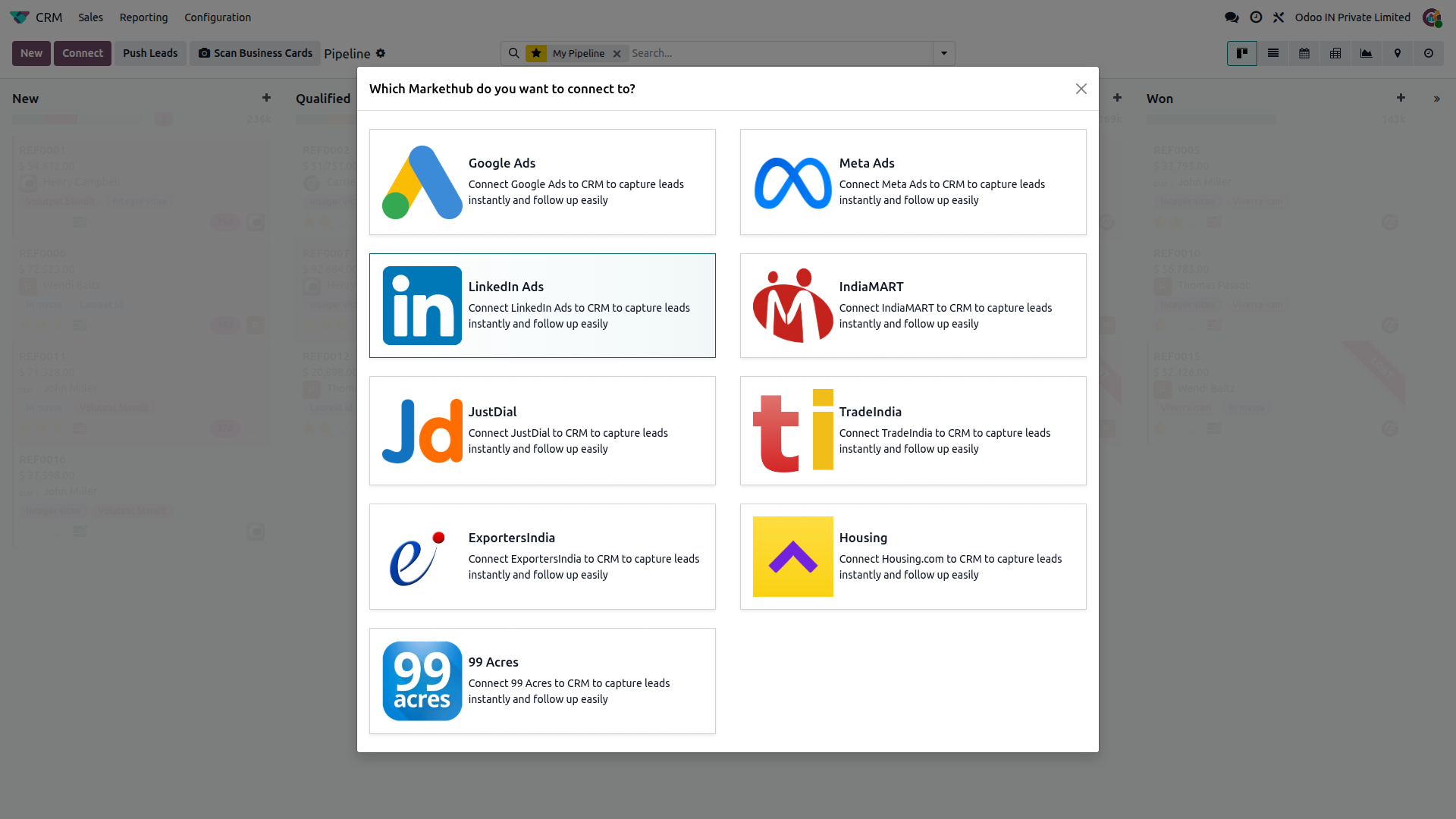
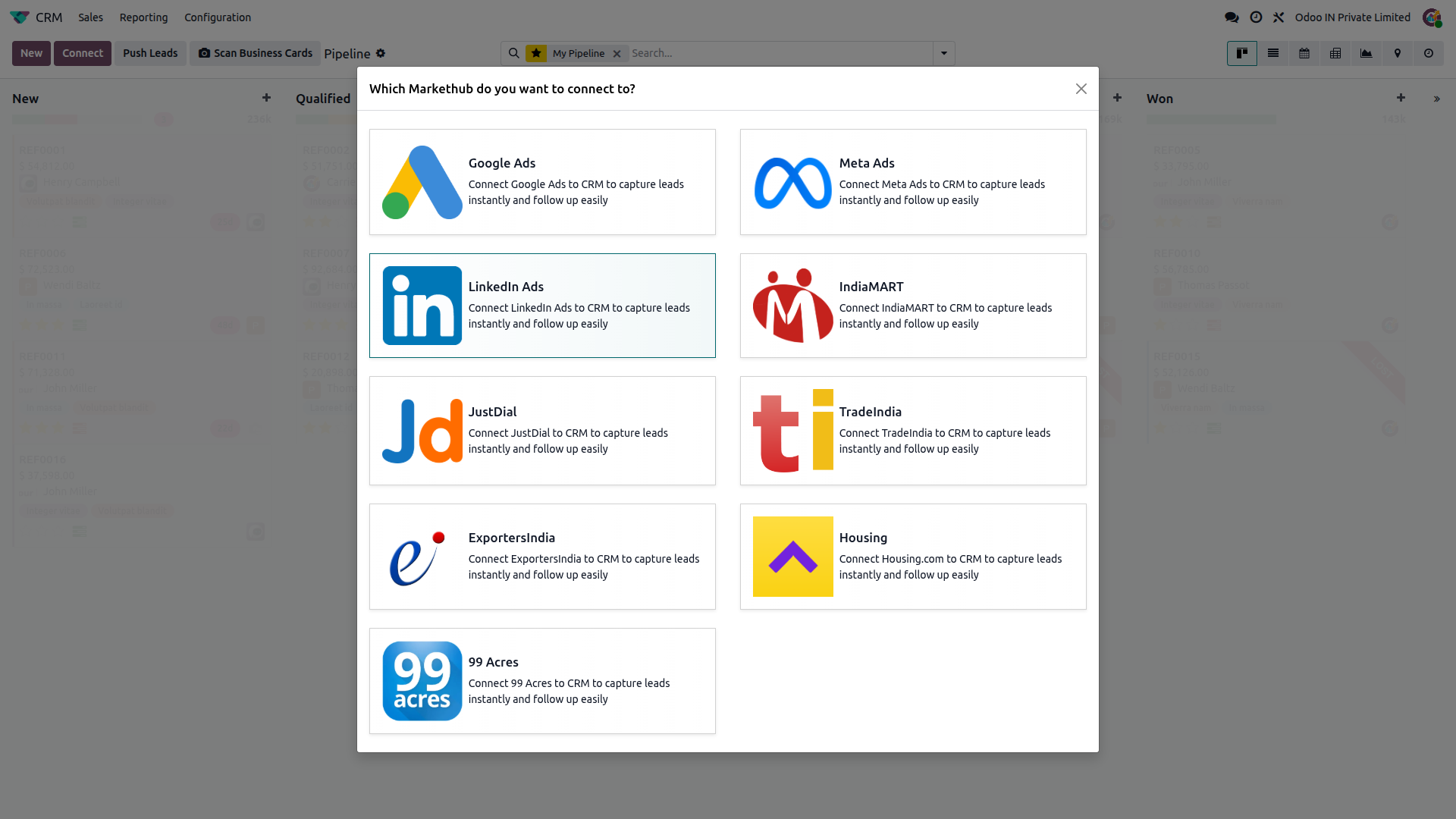
Go to CRM, click Connect, then select LinkedIn Ads to start the LinkedIn authorization flow.
Authorize your LinkedIn account
Sign in to LinkedIn and authorize CRM Markethub to access the permissions required for LinkedIn Ads lead generation.
Select your LinkedIn Ads account
After authorization, CRM Markethub retrieves the LinkedIn Ads accounts available to your LinkedIn account and creates the corresponding CRM account records.
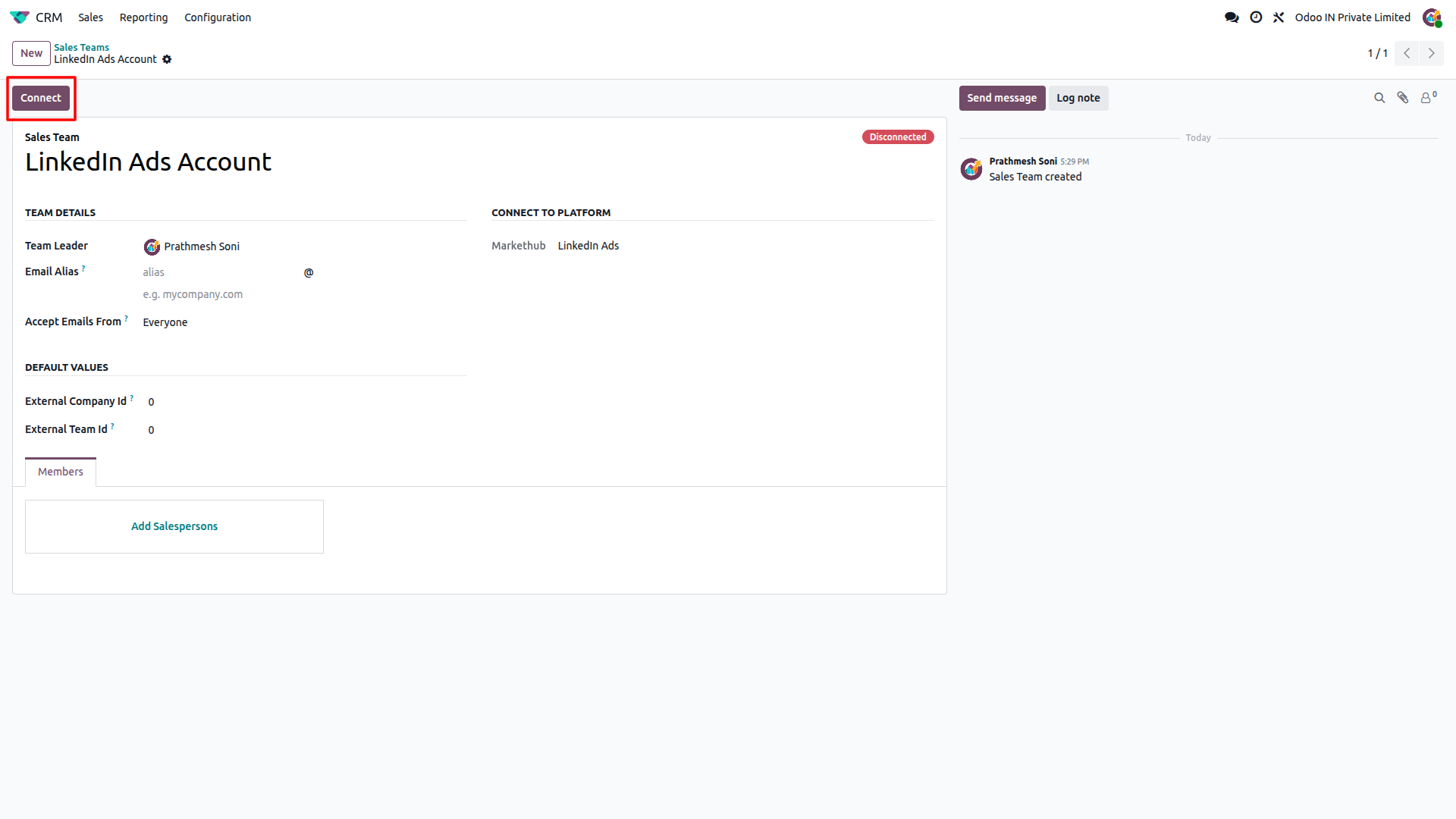
Connect the LinkedIn Ads account
Open the created LinkedIn Ads account in CRM and click Connect. CRM Markethub subscribes to LinkedIn lead notifications and changes the account status to Connected.
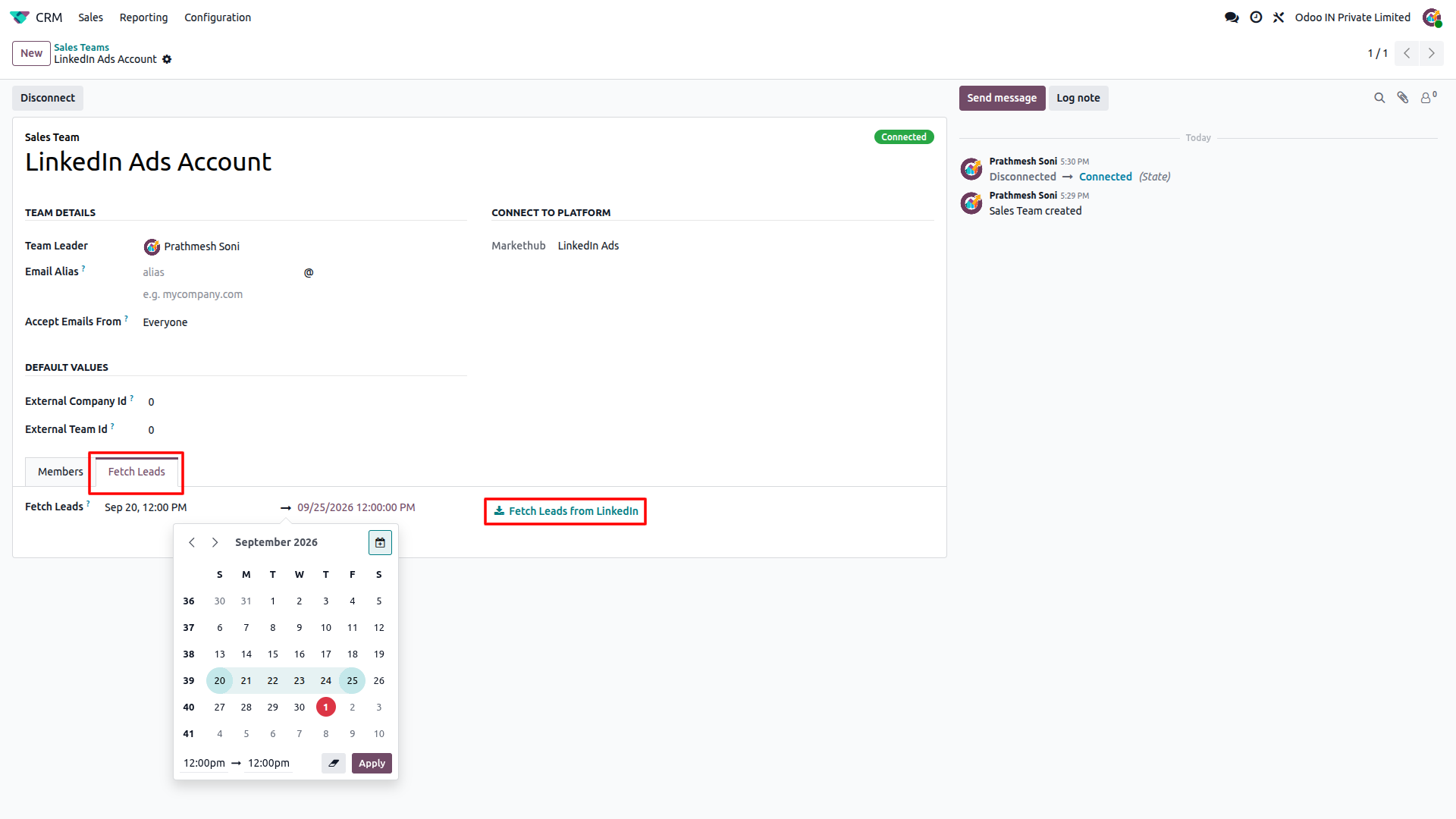
Fetch old leads (optional)
In Debug mode, set a valid date range and click "Fetch Leads from LinkedIn Ads" to import historical leads.
Feature Details
What the LinkedIn Ads integration does, and what it doesn't. Click a section to expand.
What it does
- Uses LinkedIn OAuth to obtain and store the access and refresh tokens required for the integration.
- Retrieves the LinkedIn Ads accounts available to the authorized LinkedIn account.
- Creates a unique webhook endpoint for each LinkedIn Ads account and subscribes to LinkedIn lead notifications.
- Supports the LinkedIn lead notification types configured by the module: Sponsored, Company, Event, and Organization Product.
- Shows the account as Connected after the LinkedIn lead notification subscriptions are created.
What it doesn't do
- Does not use a customer-entered LinkedIn Pull API Key for scheduled lead syncing.
- Does not automatically configure a LinkedIn Ads account outside the connection and notification subscription flow.
- Does not push Odoo CRM lead changes back to LinkedIn Ads.
What it does
- Creates a new Odoo CRM lead for each LinkedIn Ads lead that has not already been imported.
- Maps available LinkedIn form responses such as name, email, phone, company, job title, city, ZIP code, state, and country.
- Stores additional form answers, hidden fields, consent responses, inquiry ID, inquiry time, and inquiry type in the lead description.
- Maps the LinkedIn campaign to the Odoo campaign and the LinkedIn lead form to the Odoo medium.
- Assigns the lead to the connected CRM Sales Team.
What it doesn't do
- One-way only: leads are imported from LinkedIn Ads into Odoo CRM.
- Does not update LinkedIn Ads when an Odoo CRM lead is edited.
What it does
- Lets you fetch historical leads for a selected date range on demand.
- Fetches leads for the supported LinkedIn lead types and follows LinkedIn API pagination to retrieve all available results in the selected range.
- Skips leads that have already been imported into Odoo using the LinkedIn lead reference.
- Automatically refreshes the LinkedIn access token when the access token has expired and the refresh token is still valid.
What it doesn't do
- Does not fetch historical leads automatically; the historical fetch is started manually from the LinkedIn Ads account.
- Does not impose the 7-day or 5-minute historical-fetch limits used by some other CRM Markethub integrations.
- Does not keep the account connected when the LinkedIn refresh token has expired; reauthorization is required.
Frequently Asked Questions
Ready to connect LinkedIn Ads to Odoo?
Get your buyer enquiries flowing into Odoo CRM with no manual data entry.