JustDial Odoo Integration
Receive JustDial enquiries in Odoo CRM the moment they are sent, so your team can follow up fast.


Stop Copy-Pasting, Start Selling.
Integrate your JustDial enquiries today and transform your sales process into a single, automated workflow

How JustDial Enquiries Come Into Odoo
JustDial sends each enquiry to your unique webhook URL, and CRM Markethub
instantly creates it as a lead in Odoo CRM, assigned to your JustDial sales team.
JustDial
Enquiry is sent to your webhook
CRM Markethub
Lead is received and mapped
Odoo CRM
Lead record is created
Leads reach Odoo instantly through a webhook as soon as JustDial sends them. No API key or scheduled sync is needed.
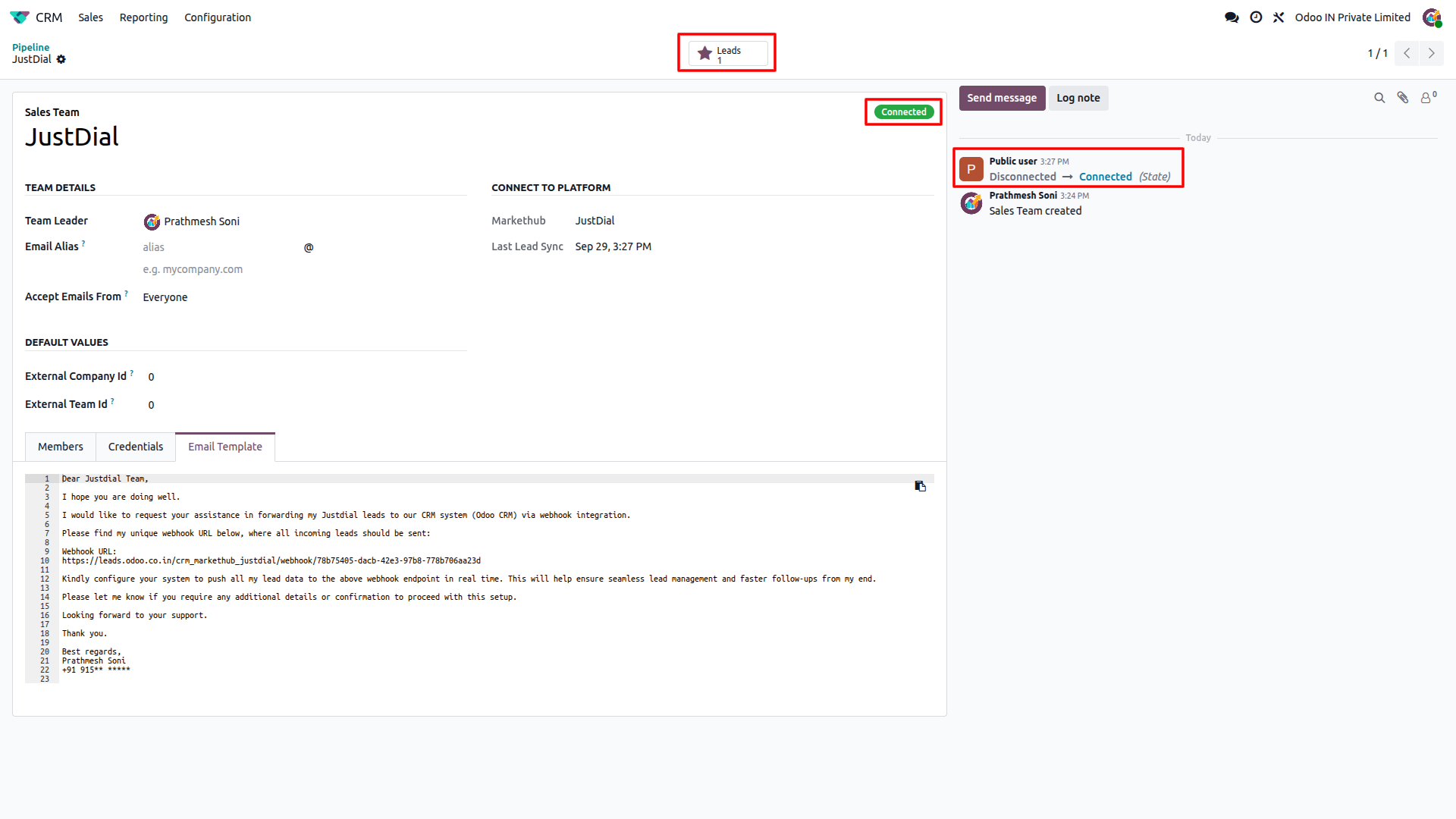
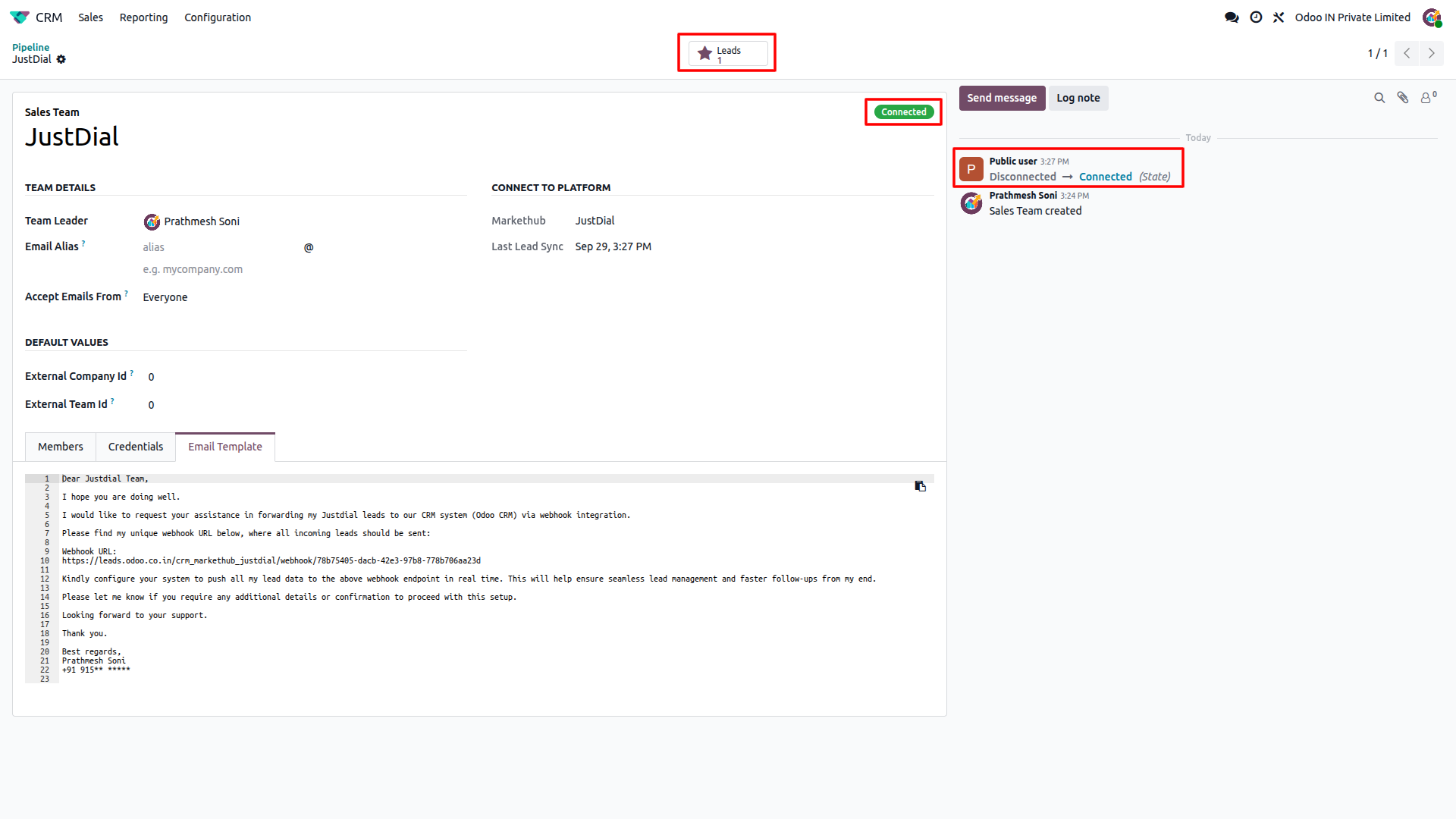
Once the first enquiry arrives, the sales team status changes to "Connected" and every new enquiry is created in Odoo CRM automatically.
How to Set Up
Connect JustDial
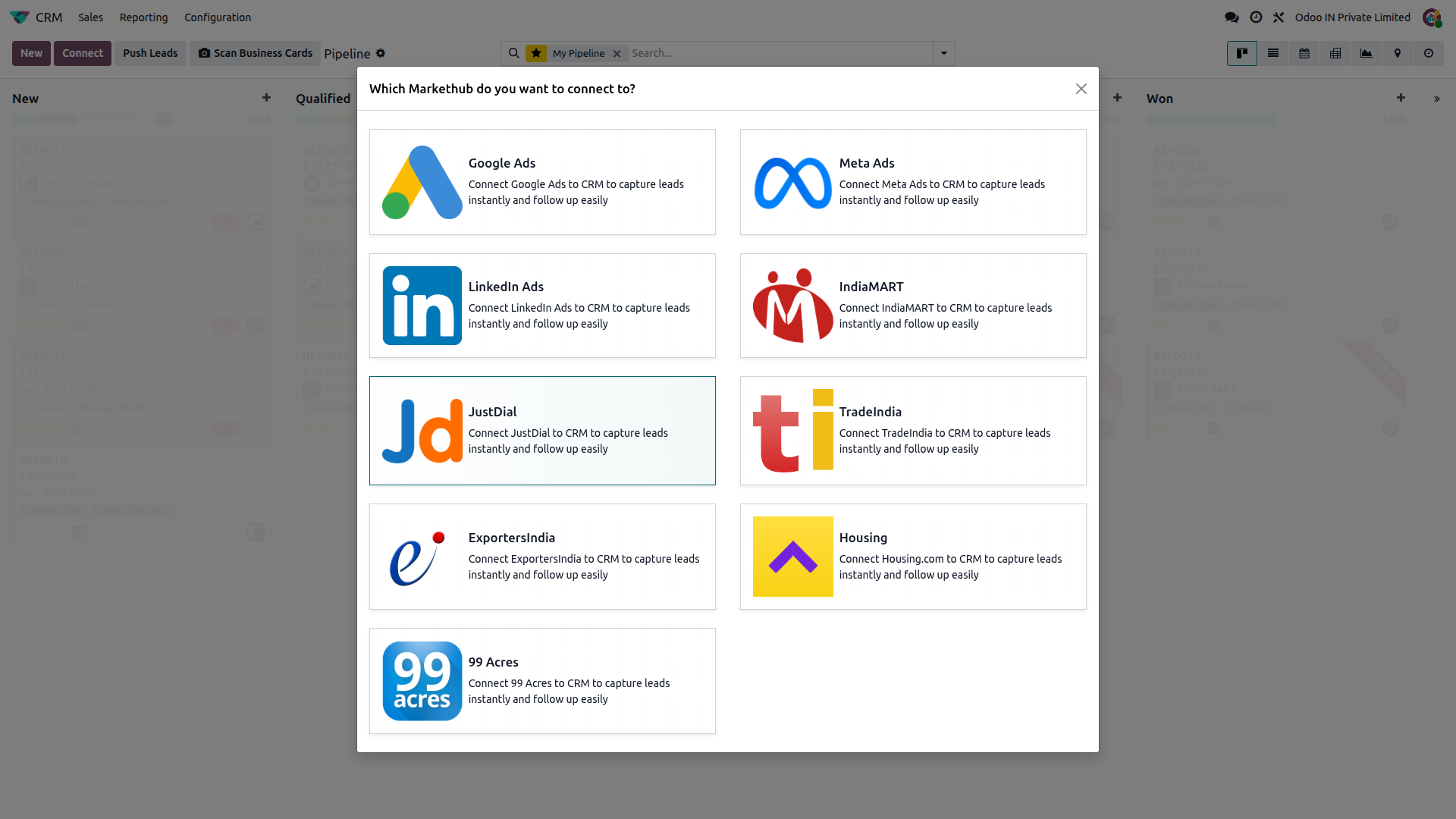
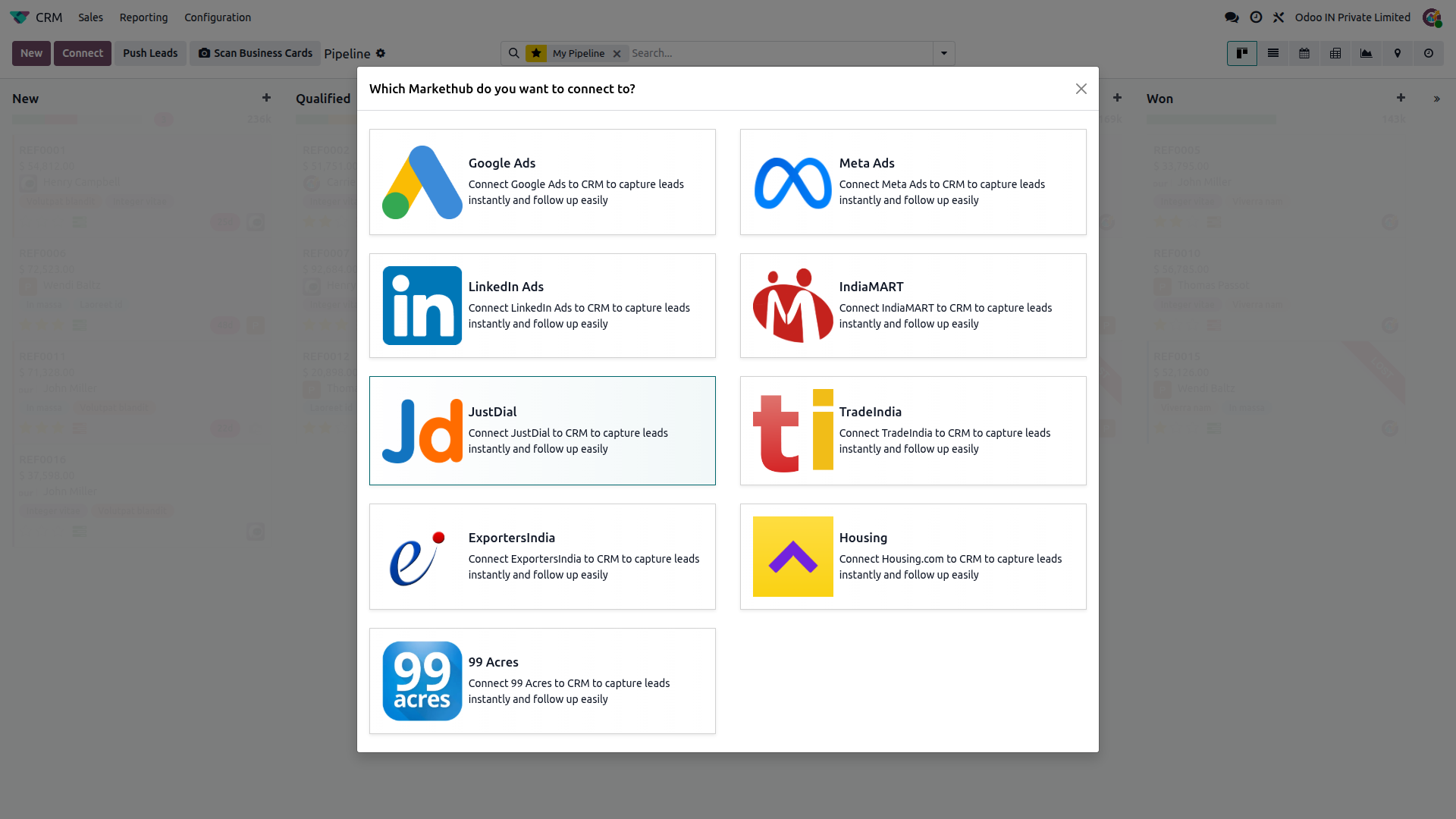
Go to CRM, click Connect, then select JustDial. A JustDial sales team is created with its own unique webhook URL.
Copy your webhook URL
Open the Credentials tab of the sales team and copy the Webhook URL. Share it only with JustDial.
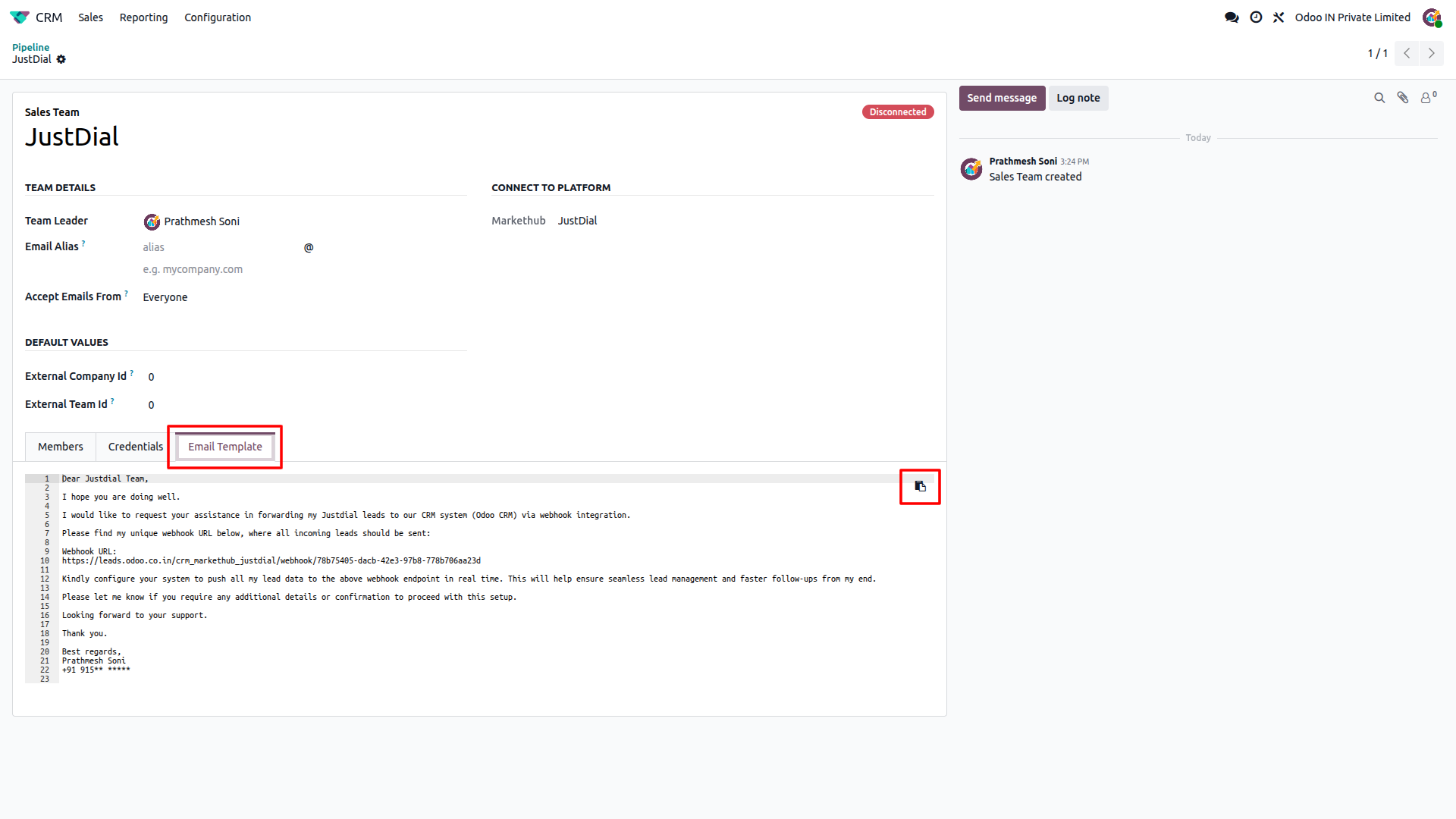
Send the email template to JustDial
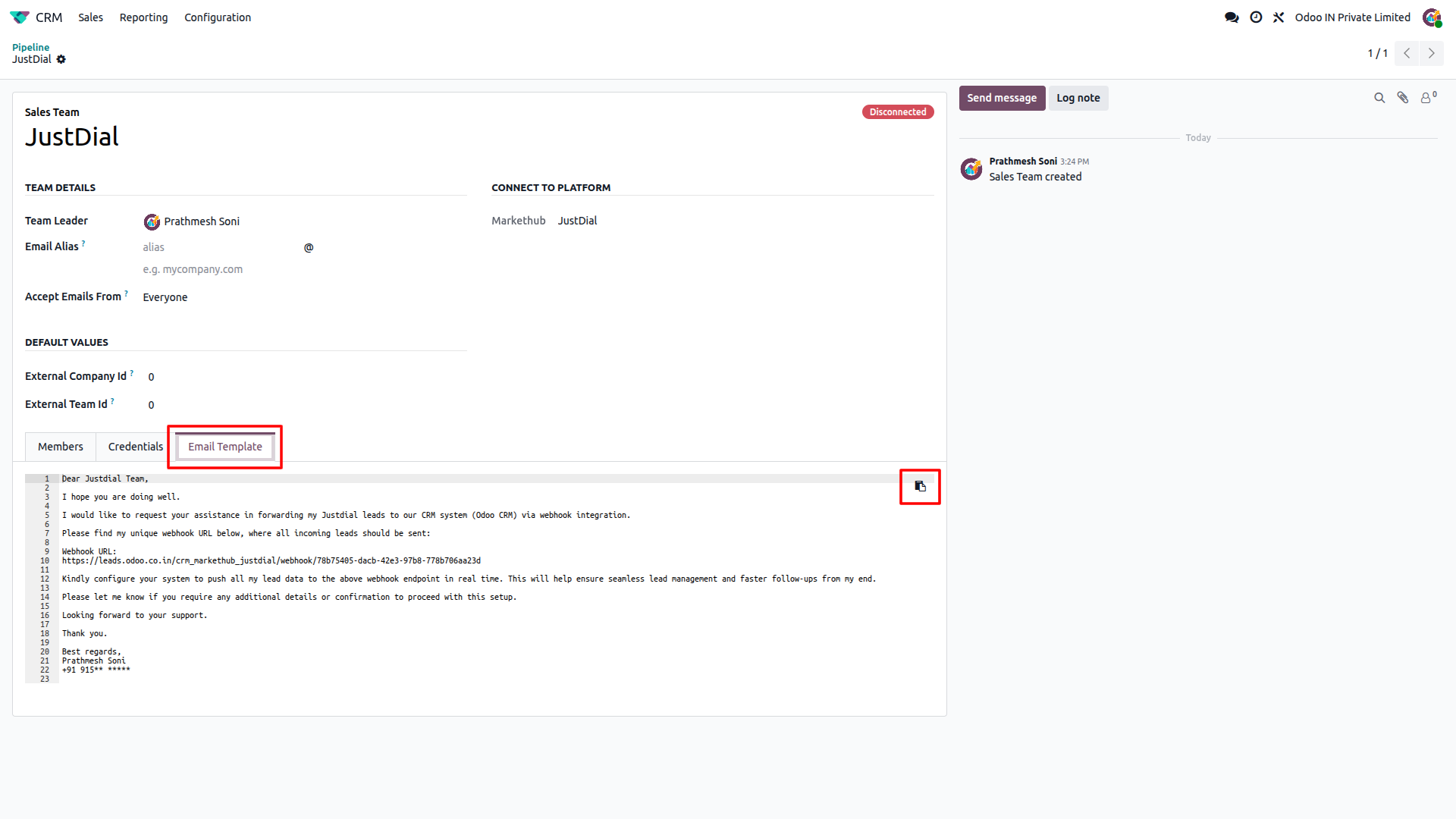
Open the Email Template tab, copy the ready-made email, and send it to the JustDial team asking them to forward your leads to your webhook URL.
JustDial activates the webhook
JustDial configures your webhook URL on their side and starts pushing your enquiries to Odoo.
Receive your first lead
When the first enquiry arrives, the status changes to Connected and the lead appears in Odoo CRM.
Feature Details
What the JustDial integration does, and what it doesn't. Click a section to expand.
What it does
- Receives leads instantly through a webhook as soon as JustDial sends them.
- Gives every JustDial sales team its own unique webhook URL.
- Shows a Connected / Disconnected status on the Sales Team record, switching to Connected when the first lead arrives.
What it doesn't do
- No API key or scheduled sync; JustDial works through the webhook only.
- Doesn't set up the Webhook URL inside JustDial for you; you send the email template and JustDial configures it.
What it does
- Creates a new lead in Odoo CRM for every JustDial enquiry, with the contact name, email, phone, company and address filled in.
- Adds a detailed description with the inquiry ID, time, type, category, sender, location and branch details.
- Assigns incoming leads to the connected Sales Team and its salesperson, with JustDial set as the source and medium.
- Skips duplicates, so the same JustDial enquiry is never created twice.
What it doesn't do
- One-way only: receives leads from JustDial, never pushes data back.
- Doesn't update an existing lead if JustDial sends the same enquiry again.
What it does
- Shows a Leads button on the Sales Team to open every lead received from JustDial.
- Converts the enquiry time from India time to your own timezone in the lead description.
- Provides a ready-to-send email template with your webhook URL for JustDial.
What it doesn't do
- Doesn't fetch old leads; only enquiries sent by JustDial after the webhook is active are created.
- Has no manual Connect / Disconnect button; the status updates automatically when leads arrive.
Frequently Asked Questions
Ready to connect JustDial to Odoo?
Get your JustDial enquiries flowing into Odoo CRM with no manual data entry.