99 Acres Odoo Integration
Pull 99 Acres property enquiries into Odoo CRM for instant lead management.

Stop Copy-Pasting, Start Selling.
Integrate your 99 Acres enquiries today and transform your sales process into a single, automated workflow

How Buyer Enquiries Come Into Odoo
99 Acres enquiries flow into your Odoo CRM automatically, either instantly via webhook
or on a 15-minute sync, then get assigned to the right sales team.
99 Acres
Buyer submits an enquiry
CRM Markethub
Lead is received and mapped
Odoo CRM
Lead record is created
Leads reach Odoo instantly through a webhook, or automatically every 15 minutes via a scheduled API sync.
Once connected, the lead status shows as "Connected" and new enquiries are created in Odoo CRM as they arrive.
How to Set Up
Connect 99 Acres
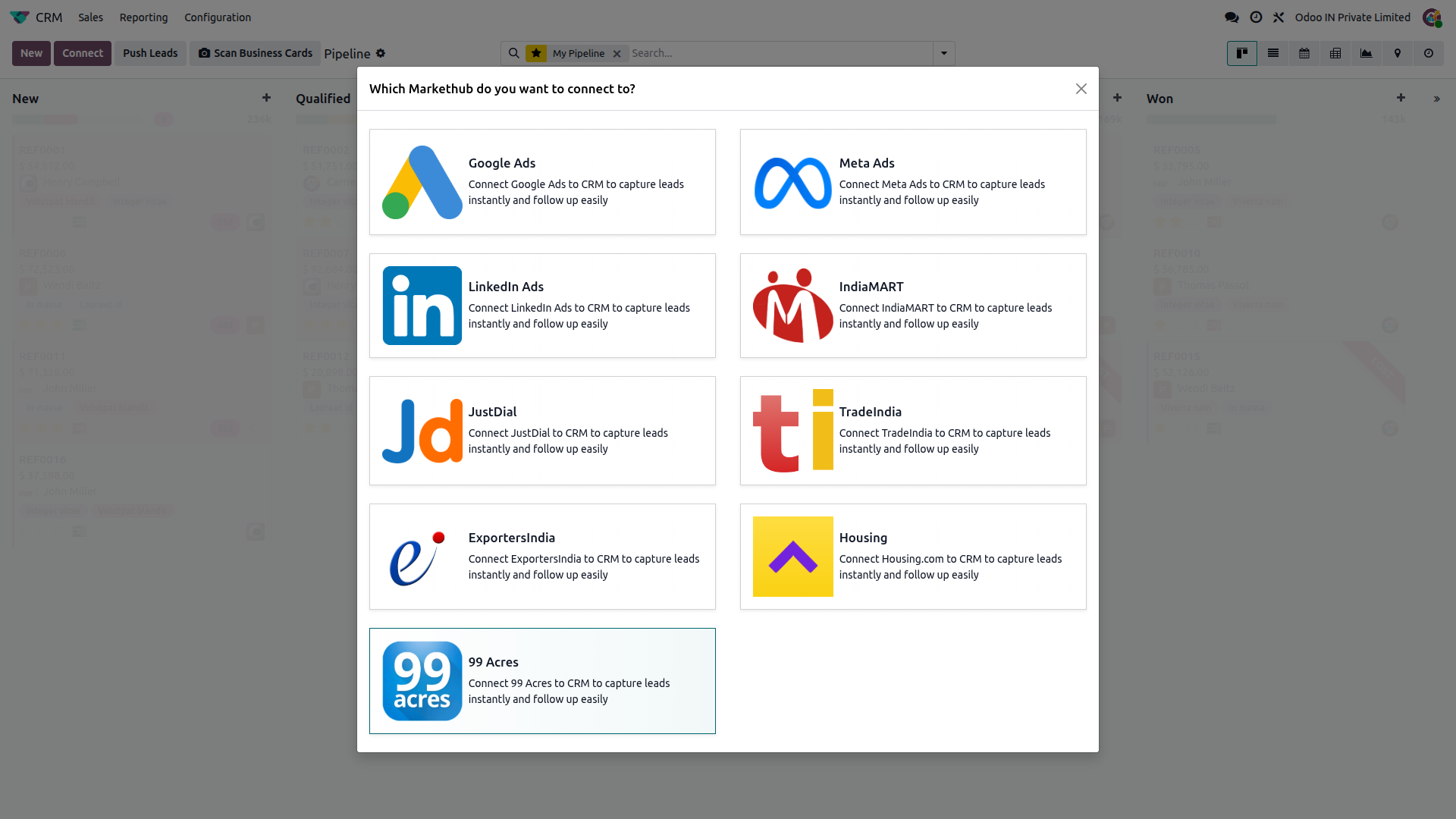
Go to CRM, click Connect, then select 99 Acres.
Choose a sync method
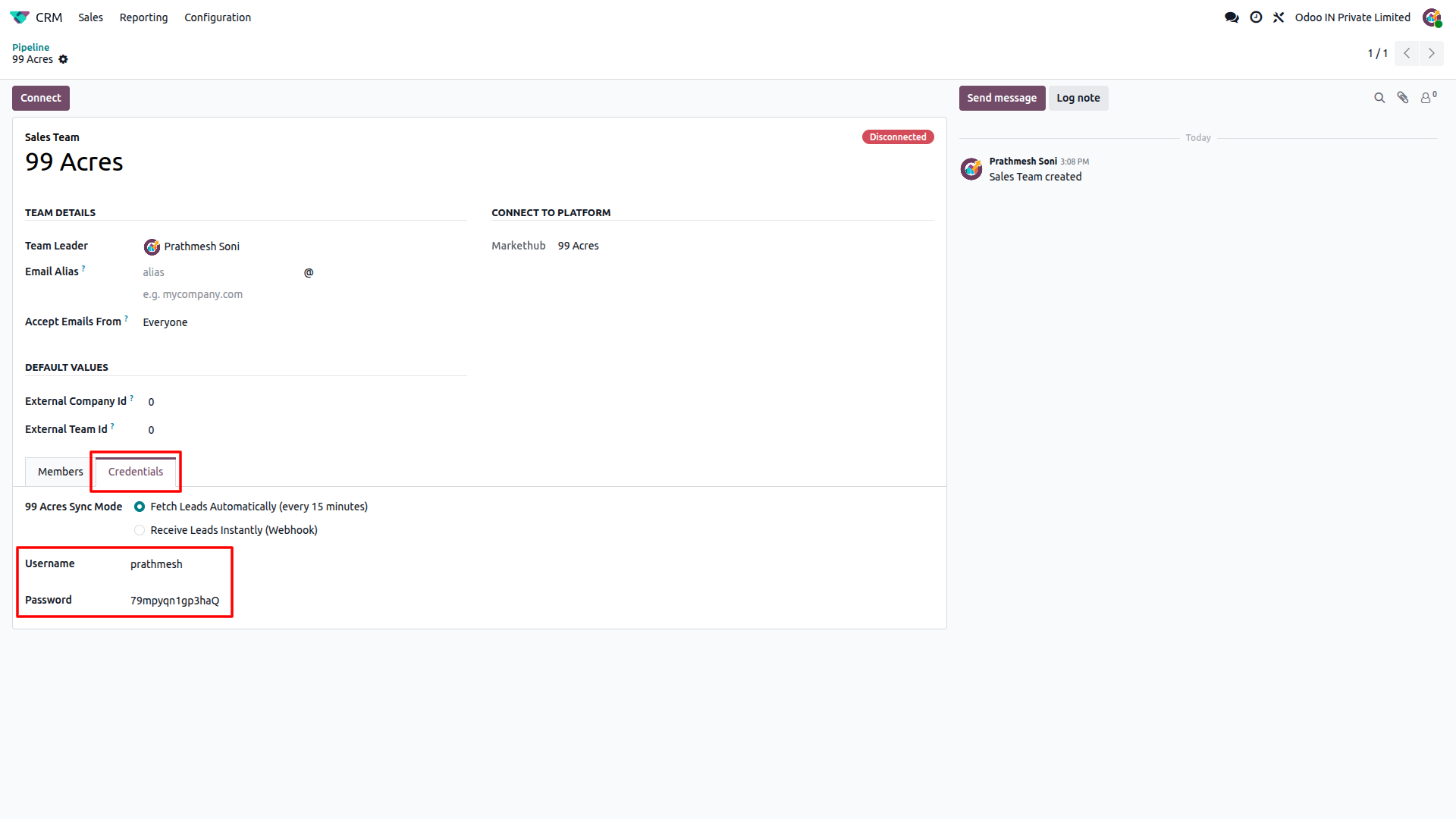
Pick Receive Leads Instantly (Webhook) or Fetch Leads Automatically (API key, every 15 minutes).
Configure credentials
Enable the webhook in the Credentials tab, or generate and enter your Pull API Key from 99 Acres.
Test the connection
Click Connect or Test; status changes to Connected once validated.
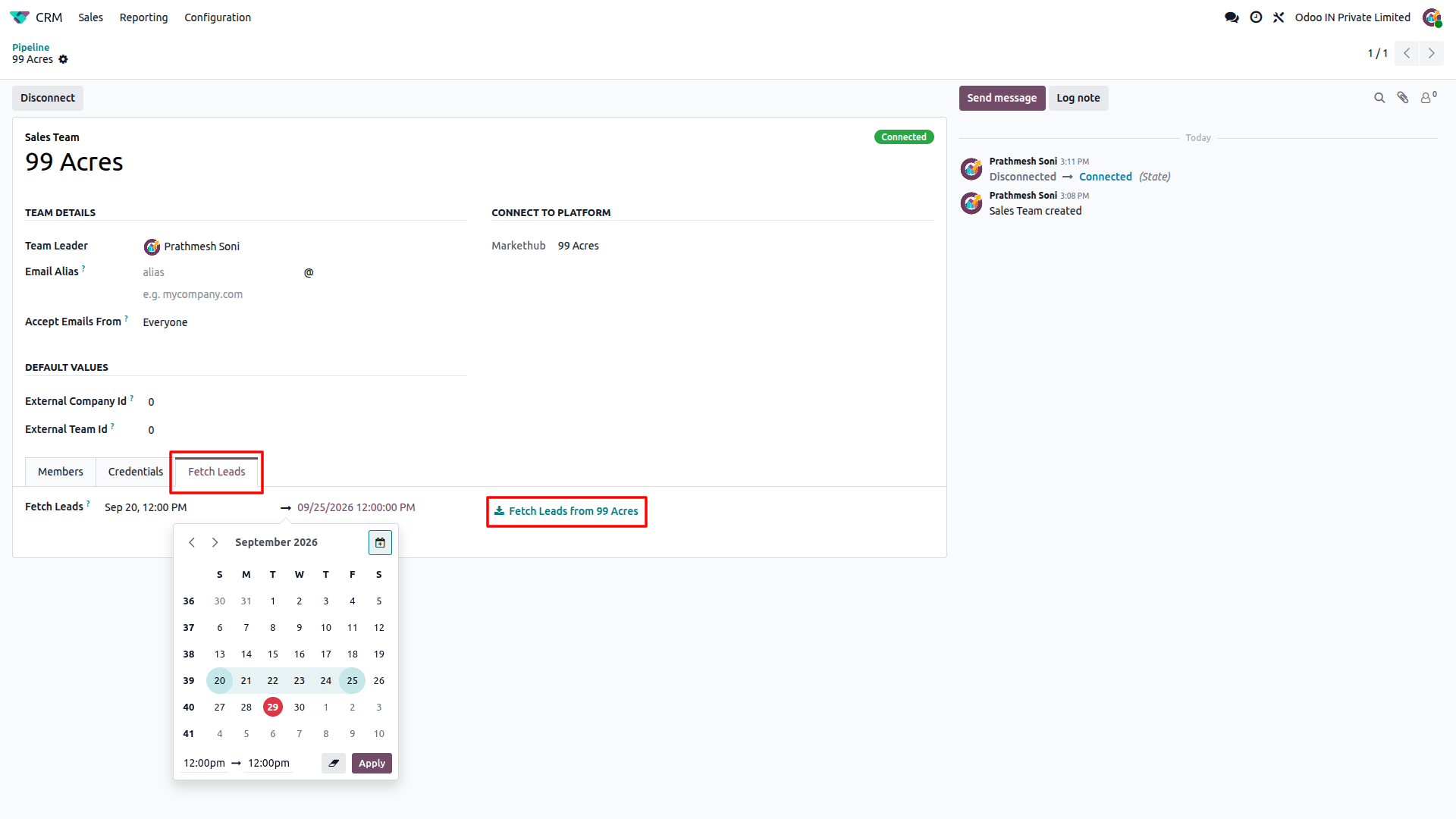
Fetch old leads (optional)
In Debug mode, set a date range and click "Fetch Leads from 99 Acres".
Feature Details
What the 99 Acres integration does, and what it doesn't. Click a section to expand.
What it does
- Connects via Webhook for instant lead delivery as enquiries are created.
- Connects via API Key for automatic sync on a 15-minute cron job.
- Shows a live Connected / Disconnected status on the Sales Team record.
What it doesn't do
- No true real-time sync on the API Key method; leads arrive on the 15-minute cron.
- Doesn't auto-configure the Webhook URL inside 99 Acres; that step is manual.
What it does
- Creates a new lead record in Odoo CRM for every 99 Acres enquiry.
- Assigns incoming leads to the connected Sales Team automatically.
What it doesn't do
- One-way only: pulls leads from 99 Acres, never pushes data back.
What it does
- Lets you fetch old leads for a chosen date range on demand.
- Confirms success with a "leads created successfully" message.
What it doesn't do
- Doesn't fetch historical leads automatically; Debug mode must be enabled manually first.
- The date range for a single fetch is capped at 7 days maximum between the start and end date.
- After a successful fetch, the next fetch request can only be made after a 5-minute interval.
Frequently Asked Questions
Ready to connect 99 Acres to Odoo?
Get your buyer enquiries flowing into Odoo CRM with no manual data entry.